SRD R370 Status Check 2026 — Check Your Grant Online, USSD & WhatsApp
Disclaimer: sassaguide.com is an independent information website. We are NOT affiliated with SASSA or the South African Government. For official services, visit srd.sassa.gov.za.
Quick answer: “370 status check,” “R370 status check,” and “SASSA SRD status check” all check the exact same application through the exact same portal — srd.sassa.gov.za. Whether you call it the R350 or R370 grant, there is only one system. This guide walks you through every official method, explains what each result actually means, and tells you what to do when something goes wrong.
✔ Check My R370 Status Now
- Why It’s Called R370 Now — Not R350
- How to Check Your R370 Status
- What Each Status Result Means
- Why Your Status Changes Every Month
- What to Do Next
- Tips for Checking Your Status
- FAQs
- Final Thoughts
Why It’s Called R370 Now — Not R350
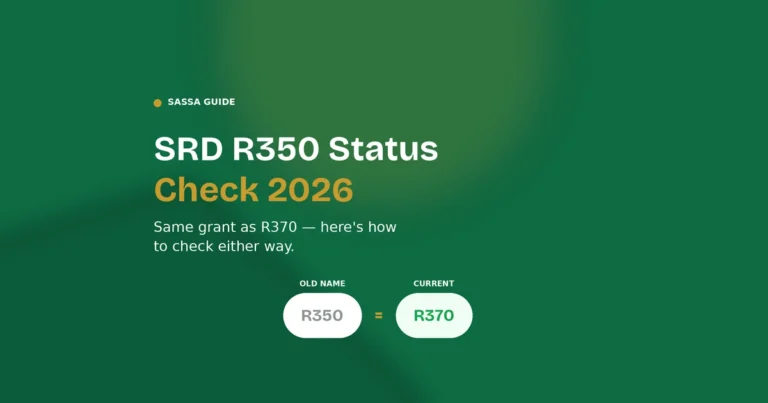
The SRD grant launched in May 2020 at R350 per month. It increased to R370 in April 2024. The grant itself — the application, the portal, the eligibility rules — never changed. Only the number did. So if you still call it the “R350 status check” or search “370 status check,” you’re looking for the same thing everyone else is: your result on srd.sassa.gov.za.
The grant is confirmed to run at R370 through 31 March 2027, with no increase announced for this period. If you applied before 2024, your application carries forward automatically — there’s no need to reapply just because the name changed.
How to Check Your R370 Status
There are four official ways to check. All four pull from the same SASSA database, so the result you get is identical regardless of which method you use.
Method 1: Online Portal (Fastest, Most Detailed)
- Go to srd.sassa.gov.za/sc19/status — type it yourself, don’t follow a link from WhatsApp or SMS
- Enter your 13-digit South African ID number
- Enter the cellphone number you used when you applied — this must match exactly, even if you no longer use that number
- Click Submit
Your result appears within seconds, showing your current month’s status and, if approved, your payment date. You can also scroll through previous months to see a full history.
Method 2: USSD (No Data Needed)
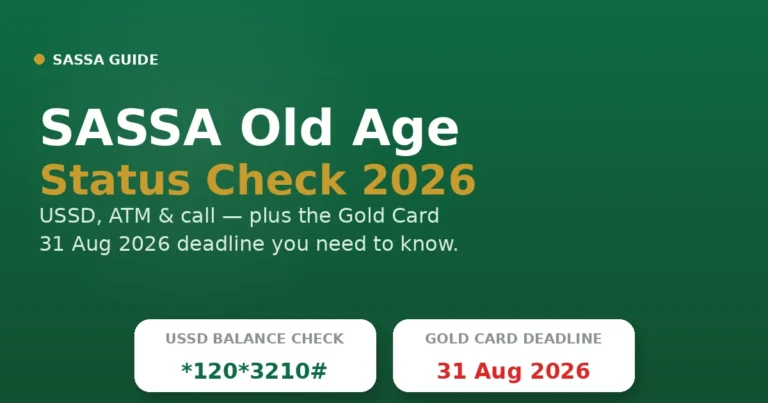
Dial *120*3210# from your registered SIM — completely free, works on any network, no data or internet needed. Follow the menu prompts. If that code doesn’t respond, the legacy code *134*7737# still returns SRD results on some networks.
Method 3: WhatsApp
Save 082 046 8553 to your contacts and send any message to start the conversation. The automated system walks you through entering your ID and phone number, then returns your status. Available 24 hours, 7 days a week.
Method 4: Call Centre
Call 0800 60 10 11 — toll-free from any South African network. Available Monday to Friday, 08:00 to 16:00. Use this if your online status seems stuck, or if you need to speak to someone directly about a declined result.
What Each Status Result Means
Approved
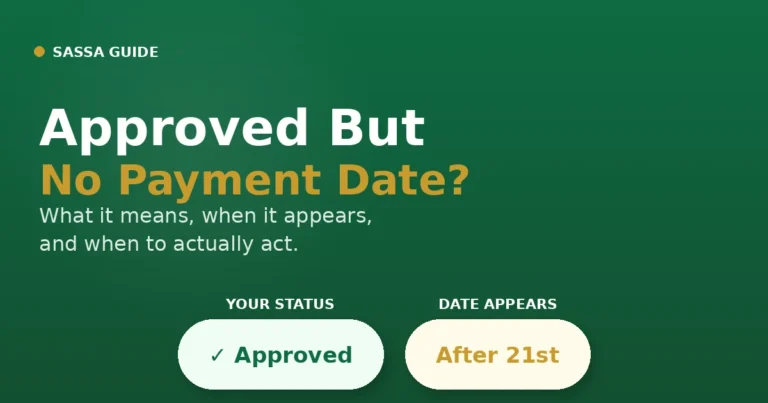
Your grant for that specific month is confirmed. If the payment date field is blank or shows “null,” see our Approved But No Payment Date guide — dates are only assigned from around the 21st of the month. A payment date will appear alongside this result — check the Payment Dates guide to understand when funds actually land in your account, since “Approved” and “paid” don’t happen on the same day.
Pending
SASSA is still cross-checking your details against government databases — Home Affairs, SARS, UIF, NSFAS, and your bank account records. Pending is normal for the first half of the month. It typically resolves within 7 to 30 days for existing beneficiaries. If your status is still Pending after the 20th, check again daily — it often flips right before the payment window opens. See our Common Errors guide for more on Pending timing.
Declined
You didn’t pass one of that month’s automated eligibility checks. Declined for one month does not permanently affect your next month — each month is assessed independently. The status page shows the specific reason. See the Appeal guide for the exact documents needed per decline reason, or our Reconsideration guide if the issue is minor and already corrected.
Referred
A specific check needs additional verification before SASSA can decide — often the bank account holder check (confirming the account is in your name) or an identity database flag. Referred is not a rejection. If it persists past 5 working days, contact SASSA via 0800 60 10 11 or visit a local office in person. Completing your eKYC at srd.sassa.gov.za/sc19/ekyc can also resolve this — see our Identity Verification guide.
Reapplication Required
Your application period has lapsed — either because you cancelled it, it expired, or a long gap in payment cycles caused the system to close your file. This is not a decline. Go to srd.sassa.gov.za/sc19/reinstate to reinstate it, or see our Reinstate Grant guide for the full process.
No Record Found
Your ID and phone number combination doesn’t match any application on file. Either you haven’t applied yet — go to srd.sassa.gov.za to apply — or the phone number you’re entering doesn’t match the one you used originally. Call 0800 60 10 11 to confirm which number is linked to your ID.
Why Your Status Changes Every Month
SASSA re-verifies every SRD applicant each payment cycle against live data from SARS, UIF, NSFAS, Home Affairs, and banking records. An “Approved” in one month does not carry forward automatically — you are checked again fresh the following month. This is why a status that was Approved last month can show Declined or Pending this month, even if nothing about your situation has changed. A bank deposit, a UIF contribution, or a temporary NSFAS registration can each trigger a decline for that specific month.
What to Do Next
- Approved? Check our Payment Dates guide to confirm exactly when funds arrive.
- Declined for a fixable reason? Head to our Appeal guide for the exact documents per decline reason, or Reconsideration guide for the faster first step.
- Referred or identity issue? Complete eKYC at srd.sassa.gov.za/sc19/ekyc — see our Identity Verification guide.
- Reapplication Required? Go to srd.sassa.gov.za/sc19/reinstate — see our Reinstate Guide.
- Need to update banking details? See our Change Banking Details guide.
- Still using a Postbank Gold Card? Switch to the new Postbank Black Card before 31 August 2026 — Gold Cards stop working after that date. The switch is free and takes minutes at any Postbank point inside Shoprite, Checkers, Pick n Pay, or Boxer.
Tips for Checking Your Status
Use the phone number you originally applied with. Even if you no longer actively use that SIM, the system only recognises the number on file. If you’ve genuinely lost access to it, update it first at srd.sassa.gov.za/sc19/mobile-number-update before checking status.
Check at off-peak times. The portal gets extremely busy around payment dates — usually the last week of each month. Mornings before 08:00 or late evenings (after 20:00) tend to have shorter load times and fewer “Service Unavailable” errors. Use USSD as a backup if the website is struggling.
Don’t check obsessively. Checking multiple times a day doesn’t speed up processing. Once or twice a day is sufficient — SASSA updates results in batches, not in real time.
Never share your ID or phone number via WhatsApp groups or Facebook comments. Only use the official portal at srd.sassa.gov.za, the official WhatsApp number (082 046 8553), or the official USSD code (*120*3210#) — never a “helper” link shared by strangers.
Approved but no payment date showing? Allow the full monthly payment window (typically the last week of the month) before escalating. If a payment date still hasn’t appeared 10 business days after approval, call 0800 60 10 11 to request a manual trace.
FAQs
- How do I check my R370 status? Go to srd.sassa.gov.za/sc19/status, enter your 13-digit ID number and the cellphone number you registered with.
- Is the “370 status check” different from the SRD status check? No — they’re the same thing. R370 is just the current monthly amount of the SRD grant.
- Why does my R370 status change every month? SASSA re-verifies your eligibility monthly against SARS, UIF, NSFAS, and banking records — each month is a fresh assessment.
- What does “Referred” mean on my R370 status? A specific check (usually bank account or identity) needs additional verification — it is not a rejection.
- What does “Reapplication Required” mean? Your application has lapsed — reinstate it at srd.sassa.gov.za/sc19/reinstate.
- How do I check my 370 status without data? Dial *120*3210# from your registered SIM — free, no data needed.
- My approved payment hasn’t arrived — what do I do? Allow 10 business days after approval before escalating. Then call 0800 60 10 11 for a manual trace.
- Can I check my R370 status on WhatsApp? Yes — message 082 046 8553, available 24/7.
- What does “No Record Found” mean? Your ID and phone number combination doesn’t match any application — check you’re using the original number, or call 0800 60 10 11.
- Does checking my status multiple times speed up processing? No — SASSA updates results in batches. Checking more often has no effect on your result.
Final Thoughts
There is one portal, one process, and one result — regardless of whether you call it the “370 status check,” “R350 status check,” or “SRD status check.” Check at srd.sassa.gov.za/sc19/status, use your original ID and phone number, and pick USSD (*120*3210#) when the website is overloaded near payment dates. If your result shows anything other than Approved, our Appeal, Reconsideration, and Identity Verification guides cover exactly what to do next.